

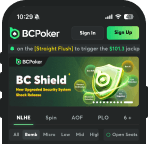




BC Poker App Download – Fast Access to Tables Anytime
Modern poker no longer happens in one fixed place. Sessions begin at home, continue during travel, and sometimes finish from a completely different device. That shift in behavior explains why so many players search for BCPoker app when planning regular play.
The mobile environment is designed to remove unnecessary steps between the player and the table. After completing a BC Poker app download, the platform becomes instantly accessible – no multiple browser tabs, no extra logins. The poker lobby is available in a single tap.
The purpose of the app is not to reinvent the experience. It preserves the full structure of BCPoker while adapting it to a mobile-first routine.
What Is BCPoker?
BCPoker is the dedicated poker platform of BC.Game, one of the largest crypto gaming ecosystems in the world. Built on blockchain infrastructure, it offers Texas Hold’em, PLO, PLO5, Short Deck 6+, Spin & Go, All-in-or-Fold, and multi-table tournaments (MTTs) – all accessible from the mobile app.
A defining feature of BCPoker is BCShield – a blockchain-verified dealing system backed by Intel SGX encryption and a quantum random number generator. After every hand, players can independently verify the shuffle outcome. This transparency sets BCPoker apart from conventional online poker rooms.
The platform accepts cryptocurrency deposits including BTC, ETH, USDT, USDC, and BC, with fiat onboarding available in supported regions via local payment processors.

BC Poker APK for Android Devices
Android users can install BCPoker in two ways: directly from the Google Play Store or by downloading the APK file manually from the official BCPoker website.
The APK option gives players full control over installation without relying on store availability in their region. To complete the BCPoker app download for Android via APK:
- Visit the official BCPoker website and locate the Android download section.
- In your device settings, enable installation from trusted sources (Settings > Security > Unknown Sources).
- Download the APK file and open it once the download is complete.
- Tap “Install” and follow the on-screen prompts.
- Launch the app, log in, and enter the lobby.
Always download the APK from the official BCPoker website only. Third-party sources carry security risks.
With the installed app, players can:
- Join live cash games on BC Poker (stakes from $0.01/$0.02 up to $2.50/$5.00).
- Register for scheduled MTTs and Spin & Go tournaments.
- Multi-table across up to four simultaneous tables.
- Manage account balance, deposits, and withdrawals.
- Track session history and tournament registrations.
The Android app remains stable even during long tournament sessions, maintaining consistent table performance and responsive betting controls.
BCPoker iOS App – App Store and Mobile Access
BC Poker has a fully native app available for iPhone and iPad via the Apple App Store. Search for “BCPoker” in the App Store, tap Download, and the app installs directly – no configuration of trusted sources required.
The iOS app mirrors the desktop experience: tables load quickly, bet controls are well-positioned for touch interaction, and tournament details are clearly displayed without crowding the interface. Multi-tabling up to four tables is fully supported.
For players who prefer not to install a native app, BC Poker’s website is optimized for mobile browsers. Adding the site to your home screen creates a shortcut that behaves like a native app. Either route – App Store or browser shortcut – delivers full access to cash games, tournaments, and account management.
Browser Access to BCPoker
If you prefer not to install anything, BC Poker is fully optimized for both desktop and mobile browsers. To create a home-screen shortcut on mobile:
- iOS: Tap the Share button in Safari, then “Add to Home Screen.”
- Android: Tap the browser menu (three dots) and select “Add to Home Screen.”
The shortcut opens BCPoker directly, with no address bar. Functionality is identical to the native app.
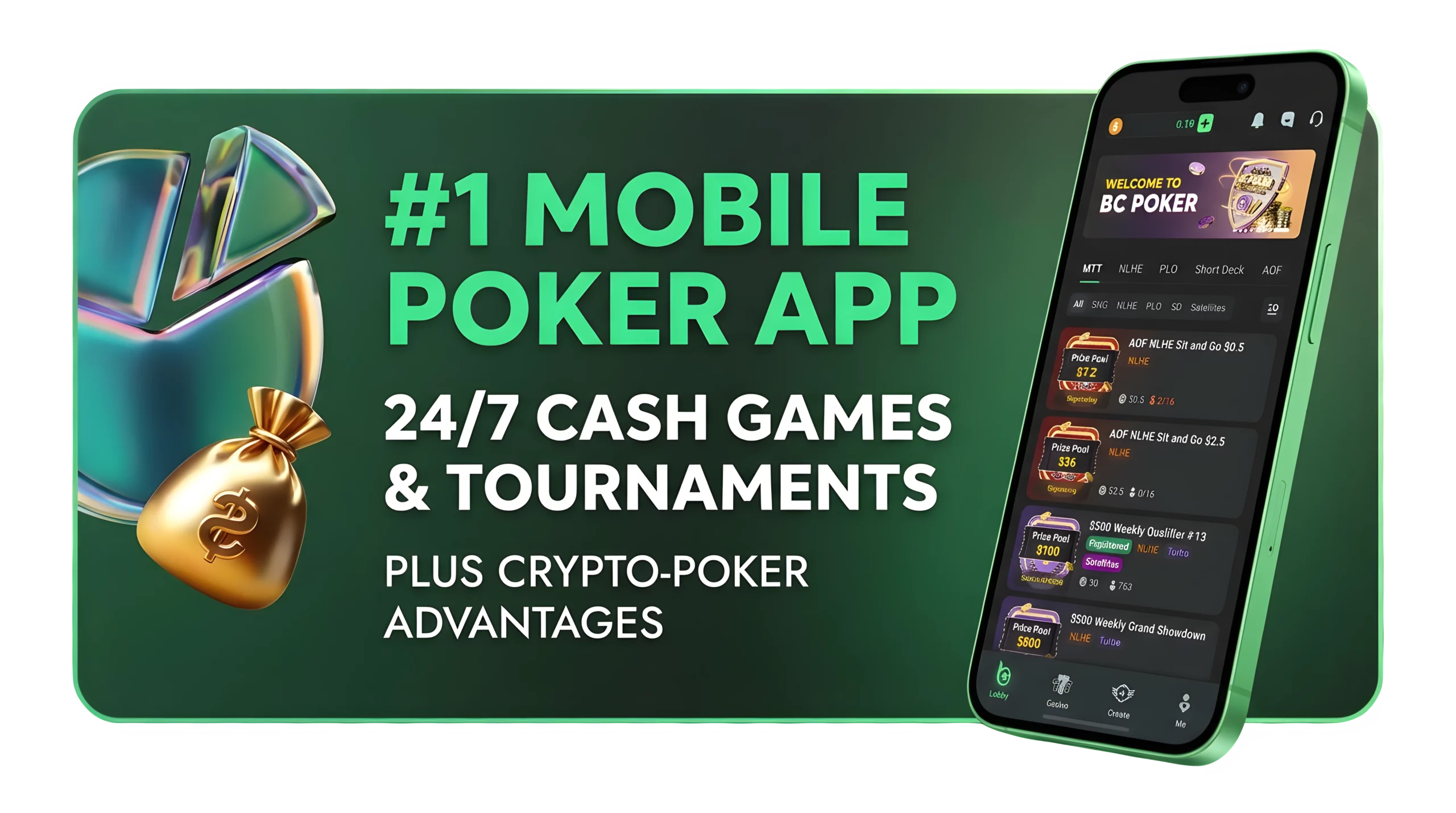
Why Players Prefer the Installed Version
Although browser access works reliably, experienced players often choose to install the dedicated BCPoker app. The reasons are practical:
- The app launches faster than opening a browser and navigating to the site.
- It separates poker from other browsing activity, reducing accidental tab closures.
- Push notifications keep players updated on tournament registration deadlines and blind level changes.
- The app runs independently of browser memory usage, reducing slowdowns during extended sessions.
During deep tournament runs or multi-table sessions, even small interruptions can disrupt focus. A stable, standalone app environment helps maintain concentration – particularly in the later stages of competition.
BC Poker Login on Mobile
The BC Poker app is designed for fast access, allowing players to move from login to gameplay without unnecessary steps. Once installed, the mobile client gives direct access to the same poker ecosystem available on desktop, including cash games, tournaments, balances, and account settings.
Players who already have a BC Poker account can use the app to continue existing sessions, register for tournaments, or manage deposits and withdrawals from one interface. Since the platform stays synchronized across devices, account progress, balances, and tournament entries remain connected whether playing on mobile or desktop.
The mobile login experience is built around convenience while preserving access to the full poker lobby. Instead of relying on browser sessions, players can open the app and return directly to tables, scheduled events, or ongoing gameplay with fewer interruptions.s by keeping sessions active on trusted devices, reducing the need for repeated logins while maintaining account security.
Seamless Device Synchronization
One of BCPoker’s key strengths is cross-device continuity. After you download the BCPoker app, your account remains fully synchronized with desktop and browser access.
Balance updates appear instantly. Tournament registrations stay active. Session history is reflected across all devices without delay.
This means you can:
- Start playing on a laptop.
- Continue monitoring from a phone.
- Adjust your balance or register for a new tournament from either device.
Whether you log in via browser or through the native app, your experience remains consistent.
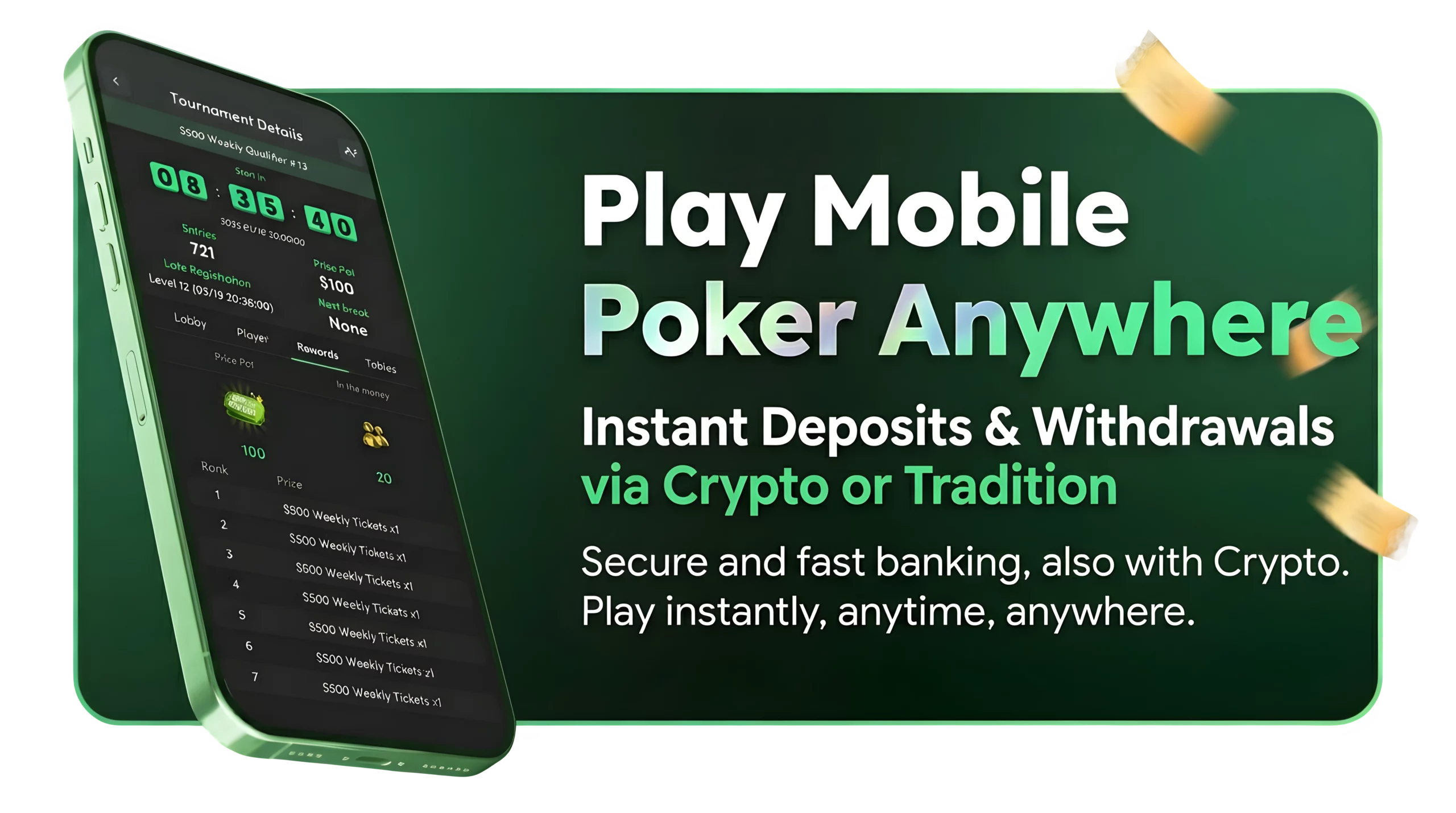
Bonuses and Rewards
Downloading the BCPoker app unlocks access to the platform’s full bonus structure – some offers are available exclusively through the mobile app.
| Promotion | Details |
|---|---|
| No-deposit bonus | New players receive $5 in free funds on registration. After downloading the app, an additional $5 is credited automatically, totaling $10. No deposit required and no cashout cap on winnings. |
| First deposit bonus | 10% match on first deposit, up to $200. Minimum deposit is $10 (or 5 USDT). Bonus is credited instantly and clears at a 5x rake requirement. No expiry date. |
| Welcome Missions | Earn up to $130 in extra rewards by completing basic missions within the first 7 days. Can be combined with the deposit bonus. |
| VIP rakeback program | 18-tier loyalty system (Bronze I to Royal III). Rakeback up to 50% for high-volume players, paid weekly. Monthly bonuses can reach $825. Automatic entry from first hand played. |
| Ongoing promotions | Includes daily freerolls, cash game jackpots, weekly leaderboards, and Lucky Drop prizes. All promotions stack with the VIP rakeback program. |
Financial Management on Mobile
Deposits and withdrawals are fully integrated into the mobile dashboard. After logging in through the BCPoker app, players can review transaction history, submit withdrawal requests, and manage deposits without returning to a desktop.
BC Poker primarily processes transactions in cryptocurrency – BTC, ETH, USDT, USDC, and BC – with near-instant settlement once network confirmation is complete. Fiat deposits via local payment processors are available in supported regions (including INR, PHP, RUB, MXN, NGN, and JPY).
Having financial tools accessible on mobile supports players who move between tournaments and cash sessions throughout the day. Balance updates are clear and transaction tracking is transparent. The app does not remove any essential functionality – it reorganizes it for easier access.